

The problem with audio recording apps
We have installed more voice recording apps than we can count. Almost all of them share the same quiet, familiar pain. Here is what it is, and why it is worth fixing.
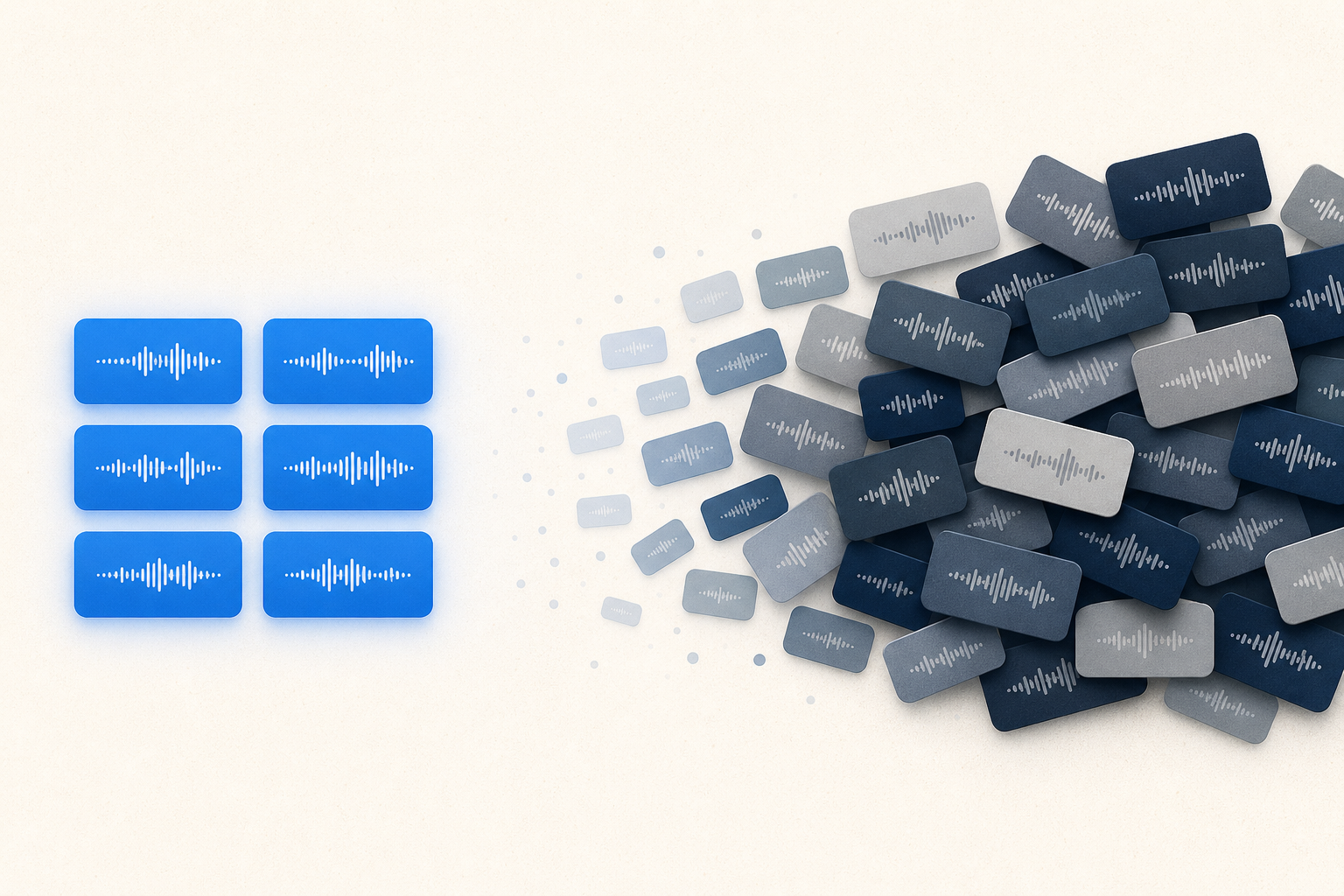
At some point, we lost count of how many audio recording apps we have downloaded, tried, and quietly deleted.
Not because any of them were broken. Most of them worked fine. You press record, you press stop, the file saves. That part has basically been solved since smartphones existed.
The problem shows up later.
A pain you have probably felt but never named
Here is a scenario that is almost universal if you record anything more than once in a while: a voice memo, a lecture, a rehearsal, a song idea, a meeting.
You record. You save. Life moves on.
A week later, you record again. Then again. Before long you have a list of files that all sort of look the same: a date, a timestamp, maybe a generic name like "Recording 14" or "New Voice Memo 3." You know one of them has that idea you had in the shower, or the take where everything finally clicked, or the moment your voice cracked and you promised yourself you would figure out why. But which one?
You cannot remember. So you open one. Then another. Then a third. None of them are labeled in a way that helps. You are not listening anymore. You are searching, one file at a time, hoping to stumble onto the right five seconds.
That is the moment most people quietly give up on organizing their recordings. Not because they stopped caring, but because the app never gave them a real way to.
Why this happens almost everywhere
We were not looking for this problem. We ran into it by accident, the same way most people do: by recording often enough that the pile became unmanageable. Once we noticed it, we started noticing it everywhere.
Titles are not descriptions. Most apps let you rename a file, but a name is not a memory. A title like "Tuesday Practice" tells you nothing about what actually happened in that recording. And even if you try to cram more detail in, most apps cap how long a title can be, then truncate it with an ellipsis the moment it does not fit on one line. The one place you are allowed to leave yourself a note is too small to hold a real thought.
Notes and audio live in separate worlds. Some apps try to solve this by turning into a notes app with audio bolted on. In theory, that sounds like it should help. In practice, it means opening a note, hunting for the attached file, playing it, going back, opening the next note, and repeating that loop for every single recording you are trying to sort through. It solves the labeling problem by creating a navigation problem.
Every app solves one thing and stops. One app might handle long recordings well. Another might offer basic tags. Another might let you trim a clip. Each of these is a genuine improvement, and each one, on its own, is not enough. Recording is treated as the finish line, when for most people it is closer to the starting line. The real work, understanding what you captured and finding it again later, starts right after you hit save, and that is exactly where most apps stop trying.
The important part is rarely the whole file. If a recording is three minutes or three hours long, the moment that actually matters to you is usually a few seconds somewhere inside it. Almost no app gives you a way to mark that moment and jump straight back to it. Instead, you scrub. You drag a tiny playhead across a waveform, guess, overshoot, drag back, and repeat, hoping muscle memory eventually gets you close.
Nothing helps you compare over time. If you are trying to notice progress, whether in practice, in writing, in speaking, in performing, you eventually want to hear an old take next to a new one. Almost no recording app treats that as a real feature. You are left opening two files in two different places and trying to hold the difference in your head.
None of these problems are dramatic on their own. That is exactly why they survive. Each one feels small enough to shrug off in the moment: a slightly annoying rename, a little extra scrubbing, one more app switch. But add them up across dozens or hundreds of recordings, and the app you downloaded to help you capture things quietly becomes the reason you cannot find anything.
The part nobody seems to be solving
By now, phones have more storage, more processing power, and better screens than ever. And yet a huge number of recording apps still feel like they were designed for a much simpler moment: one where you might record a handful of files and never really need to organize them.
That assumption stopped being true a long time ago. People record constantly now: ideas, practice sessions, interviews, lectures, thoughts they do not want to lose. The apps mostly have not caught up.
We do not think the answer is a full-blown editing suite or a notes app that happens to record audio. We think the answer is something narrower and more useful: a recorder that treats what happens after you hit stop as part of the job, not an afterthought.
That is the problem we are building VivaTake Recorder to solve. Real context you can actually write, not just a title. A way to mark the exact moment that mattered instead of hunting for it later. Playback and comparison that feel like part of the same experience, not a separate chore.
If any of this sounded familiar, you are not imagining it. It is a real gap, and it has been sitting there this whole time.
We will be sharing more about how we are building VivaTake Recorder to close it. If you want to follow along, you can join the waitlist below.
Be first to record with VivaTake Recorder
Join the waitlist and we'll email you the moment it lands.
No spam. Just one email when it launches.